I replied in my head / Sending it for real now
Edit with this captionLate reply memes for getting back to the chat
Late reply memes for getting back to the chat. Browse original reactions, choose a caption and edit a matching template. Download images for your next conversation.
Updated
You read the message, composed a perfect answer in your head and forgot the sending part. These late-reply reactions help reopen an ordinary conversation with warmth. Pick a playful caption for a familiar friend, or edit a gentler version when the delay needs acknowledgement.
When to send these memes
Use a meme for a low-stakes delay. If someone was worried or waiting for something important, address that directly before adding humour.
Make the tone fit your conversation
Own your part, then continue the conversation with a question or a useful answer. Keep a joke about your brain from becoming an excuse that dismisses the other person.
Caption ideas to make your own
Choose a reaction or an editable template
Click any image to open it in the editor with its matching captions.
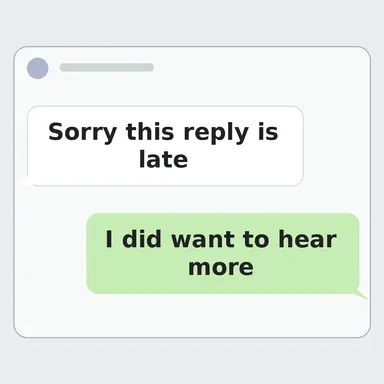
Sorry this reply is late / I did want to hear more
Ready-made reactionAI-assisted visualReturn to the conversation without a long excuse.
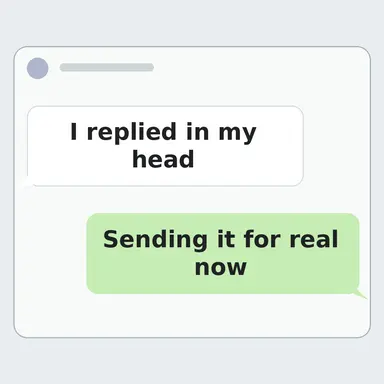
I replied in my head / Sending it for real now
Ready-made reactionAI-assisted visualReturn to the conversation without a long excuse.
Sorry about that. I will fix it.
Ready-made reactionAI-assisted visualFor a small sincere apology. Choose a tone that fits your relationship.
Oops. That was on me.
Ready-made reactionAI-assisted visualFor a small sincere apology. Choose a tone that fits your relationship.

I will get back to you shortly
Ready-made reactionAI-assisted visualFor just a little longer. Choose a tone that fits your relationship.
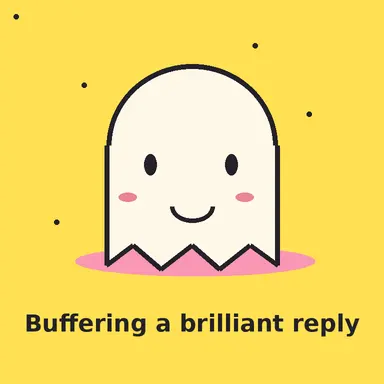
Buffering a brilliant reply
Ready-made reactionAI-assisted visualFor just a little longer. Choose a tone that fits your relationship.
Late reply ghost
Editable templateAI-assisted visualReturn to a chat honestly and without over-explaining.
The late reply chat
Editable templateAI-assisted visualReturn to the conversation without a long excuse.
Patiently waiting cat
Editable templateAI-assisted visualFor waiting on an update without a sharp reminder.
Questions about this reply pack
When should I use a late reply meme?
Use a meme for a low-stakes delay. If someone was worried or waiting for something important, address that directly before adding humour.
Can I change the caption?
Open an editable template from this pack or choose an example caption. Adjust the words in your browser and export PNG or WebP. Ready-made reactions can be downloaded from their image page.
How do I share one in a chat?
Open a reaction and choose Share image, copy or download. On supported devices the share sheet receives an image file. Your messaging app controls insertion and sending. Check the permissions shown on each image for your intended use.